

Last updated: 22 June 2026 | Reading time: 9 minutes
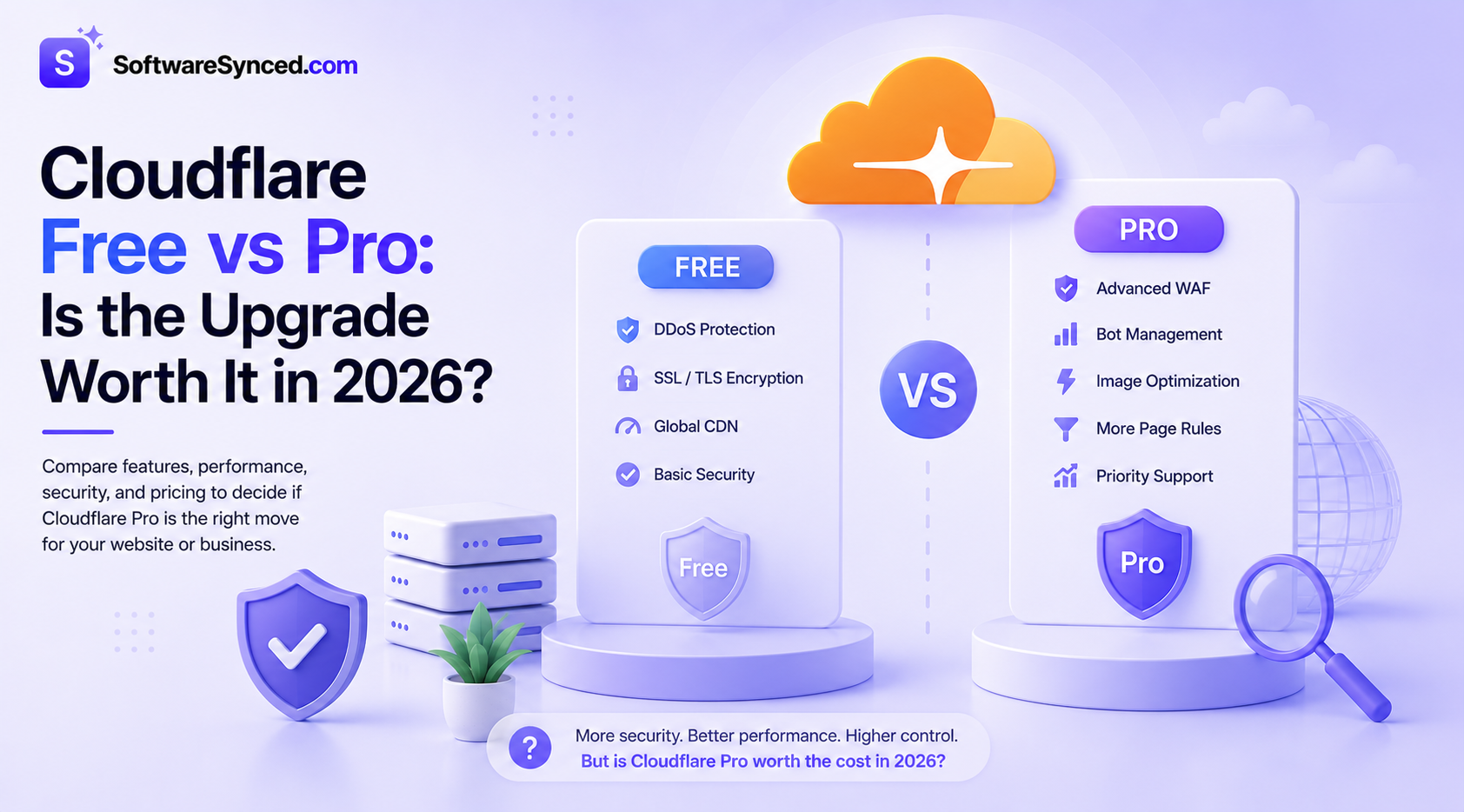
Cloudflare’s free plan is genuinely one of the best deals in web infrastructure. Unmetered DDoS protection, free SSL, a global CDN, and a basic web application firewall — at zero cost, with no traffic limits. For a significant number of websites, it is everything they will ever need.
The question most site owners reach eventually is whether the Pro plan at $20/month unlocks enough to justify the cost. And the honest answer — which most comparison articles avoid giving — is that it depends almost entirely on what kind of site you run. The Pro plan is a meaningful upgrade for some situations and almost useless for others.
This comparison covers exactly what changes between Free and Pro, what does not change, which types of sites benefit from upgrading, and which ones are better off staying free. If you are not yet using Cloudflare at all, our guide to the best website security tools in 2026 explains why it is the recommended starting point for most sites before you think about which tier to use.
Quick Comparison
| Feature | Free | Pro ($20/month) |
|---|---|---|
| Global CDN (330+ data centres) | ✅ Yes | ✅ Yes |
| Unmetered DDoS protection | ✅ Yes | ✅ Yes |
| Free SSL / Universal SSL | ✅ Yes | ✅ Yes |
| Basic WAF managed ruleset | ✅ Yes | ✅ Yes |
| OWASP managed WAF ruleset | ❌ No | ✅ Yes |
| Custom WAF rules | ❌ No (5 firewall rules only) | ✅ Yes (20 rules) |
| Image optimisation (Polish, WebP/AVIF) | ❌ No | ✅ Yes |
| Mobile optimisation (Mirage) | ❌ No | ✅ Yes |
| Super Bot Fight Mode | ❌ No | ✅ Yes |
| Cache rules | Basic (5 rules) | Enhanced (20 rules) |
| Rate limiting rules | 1 rule | 2 rules |
| Uptime SLA | ❌ No | ❌ No |
| Priority support | ❌ No | Ticket support only |
| Analytics retention | 24 hours | 7 days |
| Price | $0 | $20/month (annual) / $25/month (monthly) |
Pricing verified June 2026 from Cloudflare’s official plans page. Business plan starts at $200/month for organisations needing uptime SLAs, PCI compliance, and custom WAF regex.
What the Free Plan Actually Includes (And It Is More Than Most People Realise)
Most “Cloudflare Free vs Pro” comparisons lead with what Free is missing. It is more useful to start with what it includes, because the free tier is significantly more capable than most comparable free products in any software category.
Unmetered DDoS protection at every plan level — including Free. Unlike most security vendors that tier DDoS protection by attack volume or charge per-incident, Cloudflare’s network-level DDoS mitigation (Layer 3 and 4) is genuinely unlimited on the free plan. For most small and medium sites, this is the protection that matters most, and it costs nothing.
Free Universal SSL — automatic certificate provisioning through Cloudflare, with no configuration required once your domain is proxied. The same encryption strength as a paid certificate.
Global CDN across 330+ data centres — traffic is served from Cloudflare’s nearest point of presence to each visitor, reducing latency globally. This performance benefit is included on Free at the same network quality as paid plans — Cloudflare does not throttle free tier CDN performance.
Basic WAF with core managed ruleset — the free plan includes Cloudflare’s foundational managed ruleset, which blocks known attack signatures automatically. What it does not include is OWASP coverage or the ability to write custom rules targeting your specific application.
5 custom firewall rules — not zero, but limited. You can write basic rules (block traffic from a country, challenge specific user agents, block known bad IP ranges) but cannot build complex expressions combining multiple conditions.
The honest summary: for a personal blog, a brochure site, a local business website, or any content site not accepting user input or processing payments, the free plan is not a compromise — it is legitimate production-grade infrastructure.
What Pro Actually Adds
OWASP Managed WAF Ruleset
This is the single most meaningful addition in the Pro plan for most upgraders. The free plan’s WAF includes Cloudflare’s own managed ruleset, which blocks known bad traffic based on Cloudflare’s threat intelligence. What it does not include is OWASP (Open Web Application Security Project) ruleset coverage.
OWASP rules target application-layer attack vectors — SQL injection, cross-site scripting (XSS), remote file inclusion, command injection — the kinds of attacks that target input fields, APIs, and authentication endpoints rather than the network layer. If your site accepts any user-generated input (contact forms, login fields, comment sections, file uploads), OWASP coverage is the difference between blocking these attacks automatically and relying on Cloudflare’s more limited core ruleset alone.
For sites accepting user input or processing any kind of form data, the jump from no OWASP coverage to full OWASP ruleset coverage is the clearest justification for the $20/month upgrade.
Image Optimisation — Polish, WebP/AVIF, and Mirage
Pro includes Cloudflare Polish, which automatically converts images to next-generation formats (WebP for broad browser compatibility, AVIF for supporting browsers) and strips unnecessary metadata — reducing image file sizes without any change to your content workflow.
Mirage is Cloudflare’s mobile image optimisation tool: it lazy-loads images and prioritises above-the-fold content for mobile visitors, which has a direct effect on Core Web Vitals scores. For sites generating revenue from organic search — where Core Web Vitals are now a confirmed Google ranking signal — the combination of Polish and Mirage can produce measurable improvements in both page speed and search visibility.
This is the second-strongest justification for upgrading, specifically for sites where page speed directly affects revenue: ecommerce stores, advertising-supported content sites, and businesses where organic search is a meaningful acquisition channel.
Super Bot Fight Mode
The free plan includes basic Bot Fight Mode, which challenges or blocks obviously automated traffic based on simple signatures. Pro upgrades this to Super Bot Fight Mode, which adds separate controls for three distinct traffic categories: verified bots (legitimate crawlers like Googlebot), likely automated traffic, and definitely automated traffic.
For most small business sites, the practical impact is moderate — sophisticated bot attacks using residential proxies and real browser fingerprints will bypass both Free’s Bot Fight Mode and Pro’s Super Bot Fight Mode. True bot management at that level is an Enterprise-only feature. But Super Bot Fight Mode does reduce nuisance bot traffic meaningfully and gives you more granular control over how Cloudflare handles different categories of automated visitors.
Expanded Custom Rules and Cache Control
Pro increases custom firewall rules from 5 to 20 and cache rules from 5 to 20. If you have already hit the 5-rule limit on the free plan writing rules to protect specific endpoints or pages, this alone can be the reason to upgrade.
Analytics Retention
Free plan analytics show the last 24 hours of data. Pro extends this to 7 days — a meaningful difference for diagnosing security incidents or traffic anomalies that you do not catch in real time.
What Pro Does Not Add (That Many People Assume It Does)
This section matters because several common misconceptions about the Pro plan lead people to upgrade expecting something that is not there.
No uptime SLA. Neither Free nor Pro includes an uptime SLA. If you need a contractual uptime guarantee, that starts at the Business plan ($200/month). For most small businesses this is not a practical concern — Cloudflare’s network uptime is extremely reliable in practice — but it is worth knowing if your use case requires it contractually.
No PCI or SOC 2 compliance certification. If your business handles payment card data or operates in a regulated industry requiring formal compliance certification, the Business plan is the minimum tier where these are available. Pro does not include them.
No 24/7 priority support with guaranteed response times. Pro provides ticket-based support — an improvement over Free’s community-only support, but without guaranteed response time SLAs. If a security incident requires fast, direct human support, Business tier priority support is a meaningful step up.
No regex in WAF rules. Custom WAF rules on Pro support expression-based matching, but not full regex patterns. If you need to write security rules using regular expressions to match complex attack patterns, that requires the Business plan.
No real bot management. Super Bot Fight Mode handles straightforward automated traffic. Sophisticated bot attacks — credential stuffing using distributed residential proxies, scrapers mimicking real browser behaviour — require Cloudflare’s Bot Management product, which is Enterprise-only. The upgrade from Free to Pro does not materially change your protection against well-resourced bot operators.
Who Should Upgrade to Pro
Sites that accept user input — contact forms, login pages, comment sections, API endpoints, file uploads. OWASP WAF coverage is the primary reason to upgrade, and these are the sites that need it most. Without OWASP rules, you are relying on your origin server’s own protection against application-layer attacks that Cloudflare’s free ruleset does not cover.
Ecommerce stores and revenue-generating sites. The combination of OWASP protection, image optimisation for Core Web Vitals, and Super Bot Fight Mode addresses three real risks for an online store: application-layer attacks, page speed affecting conversion rates, and bot-generated fake orders or inventory scraping.
Sites where you have already hit the 5-rule limit. If you have used all five of your custom firewall rules on the free plan and need more granular control over specific endpoints or traffic patterns, Pro’s 20-rule limit is the natural upgrade path.
Content sites investing in SEO. Polish and Mirage’s image optimisation directly affects Core Web Vitals scores, which are a Google ranking factor. If organic search is a meaningful acquisition channel and image-heavy pages are part of your content strategy, the upgrade can pay for itself in organic traffic improvement.
Who Should Stay on Free
Personal blogs and content sites with no user input. If your site is read-only — no forms, no login, no ecommerce — the free plan’s DDoS protection, SSL, and CDN cover every meaningful security need. Upgrading to Pro adds features you have no practical use for.
Local business brochure sites. A restaurant, a contractor, a salon — a site whose primary function is displaying contact information and opening hours — has no meaningful attack surface that the free plan does not already protect.
Developers testing or prototyping. Free is production-grade infrastructure at zero cost. There is no reason to pay for Pro on development or staging environments.
Sites on very low budgets where $20/month is a real constraint. If the choice is between Pro and spending that budget on content, ads, or other growth levers that directly drive revenue, the free plan is not a security liability for most low-risk sites.
The Business Plan: When $200/Month Makes Sense
The jump from Pro to Business is a 10x price increase and deserves a brief mention to frame the comparison correctly. Business adds three things that Pro does not have:
- 100% uptime SLA — contractual guarantee with compensation if Cloudflare falls below it
- PCI DSS compliance — required for sites processing payment card data without a payment processor proxy
- Regex in custom WAF rules — enables more precise pattern matching for complex security rule expression
- CNAME setup — allows proxying specific hostnames without delegating your entire DNS to Cloudflare
For the large majority of small and medium businesses reading this, Business is more than needed. Pro or Free covers the practical requirement.
The Honest Verdict: Is Pro Worth $20/Month?
The answer splits cleanly by site type.
Yes, upgrade to Pro if: your site accepts user input of any kind, handles any payment or account data, generates meaningful revenue that depends on page speed and search ranking, or you have hit the 5-rule limit on Free’s custom firewall rules.
No, stay on Free if: your site is a read-only content site, a local business brochure, a development environment, or any site where the specific features Pro adds — OWASP WAF, image optimisation, Super Bot Fight Mode — do not map to a real risk or revenue opportunity in your situation.
The strongest case for Pro is not security theatre — it is specifically OWASP WAF coverage for sites accepting user input, combined with image optimisation for sites where Core Web Vitals affect organic search revenue. If those two things apply to your site, $20/month is a reasonable investment. If neither applies, the free plan is not a compromise.
For more on building a complete security stack beyond Cloudflare, our guide to the best website security tools in 2026 covers firewalls, malware scanning, SSL, and backups — and our guide to the best free SSL certificate providers covers the specific SSL decision in more depth.