
Last updated: June 2026 | Reading time: 9 minutes
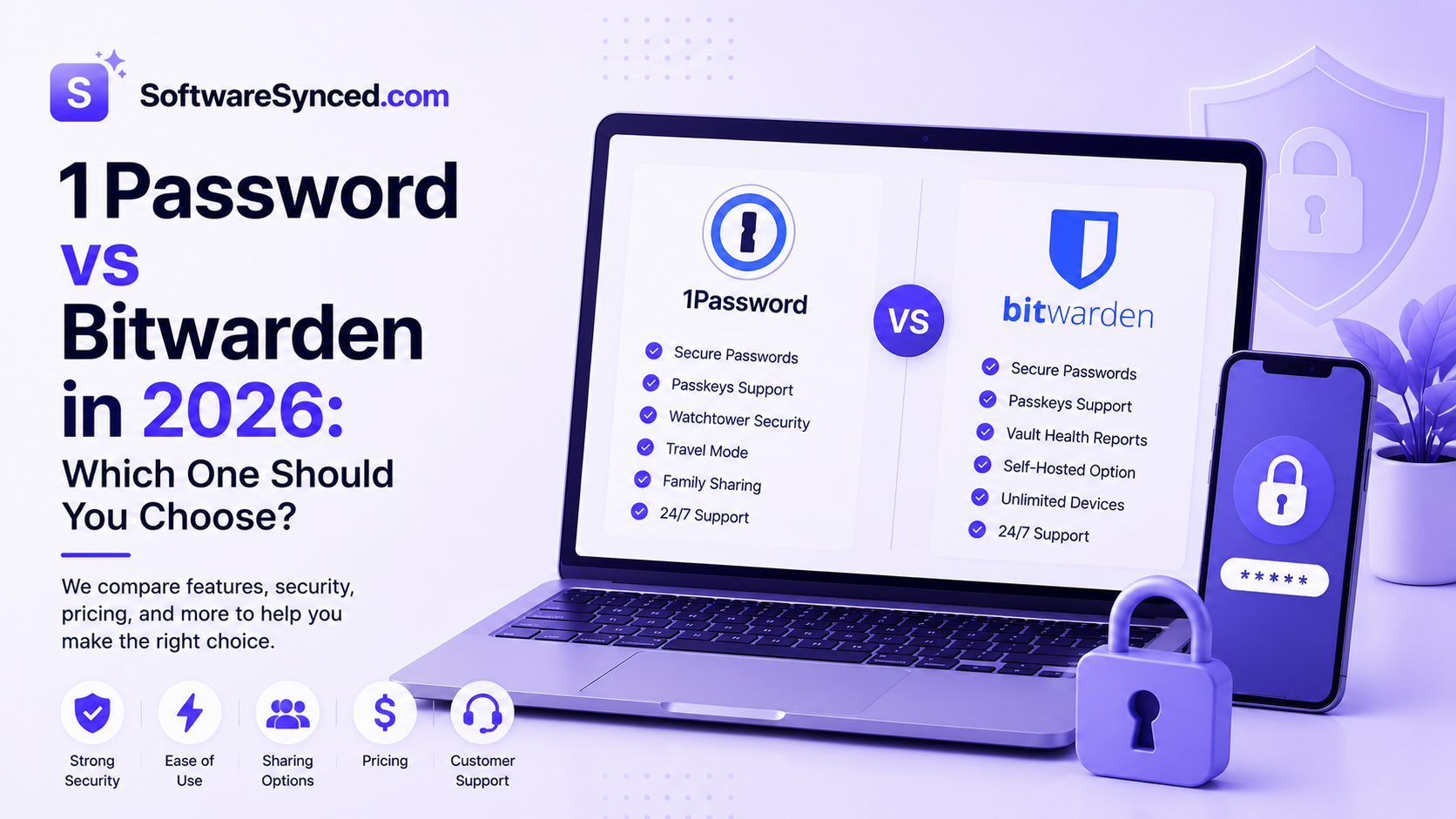
1Password and Bitwarden are the two most frequently compared password managers — and the comparison is genuinely interesting because they represent fundamentally different philosophies. 1Password is a premium closed-source product that competes on polish, ease of use, and unique features. Bitwarden is open-source, independently audited, and so affordable that for many users the free plan covers everything they need permanently.
Both have zero-knowledge architecture. Both use AES-256 encryption. Neither has ever been breached. The differences lie in pricing, transparency, feature depth, and who each product is actually built for.
A strong password manager pairs naturally with a VPN for comprehensive online security — if you have not covered that side yet, our guide to the best free VPNs in 2026 is worth a look before you close all your security gaps.
This comparison breaks down exactly how 1Password and Bitwarden differ across pricing, security credentials, features, ease of use, and family and business plans — so you can make a confident decision without second-guessing yourself later.
Quick Comparison
| Feature | 1Password | Bitwarden |
|---|---|---|
| Free Plan | ❌ No (14-day trial) | ✅ Yes (unlimited passwords) |
| Individual Paid Price | ~$3.99/month (~$47.88/year) | ~$0.83/month (~$10/year) |
| Family Plan | ~$71.88/year (5 users) | ~$40/year (6 users) |
| Open-Source | ❌ No | ✅ Yes |
| Independently Audited | ✅ Yes (SOC 2 Type II) | ✅ Yes (Cure53) |
| Zero-Knowledge | ✅ Yes | ✅ Yes |
| Travel Mode | ✅ Yes (unique feature) | ❌ No |
| Watchtower / Breach Alerts | ✅ Yes | ✅ Yes (Premium) |
| Self-Hosting | ❌ No | ✅ Yes |
| Hardware Key (YubiKey) | ✅ Yes | ✅ Yes (Premium) |
| Passkey Support | ✅ Yes | ✅ Yes |
| Capterra Rating | 4.7 | 4.8 |
| Best For | Individuals, families, businesses | Budget-conscious users, tech-savvy individuals, open-source advocates |
The Core Difference in One Sentence
1Password is a premium polished product that justifies its higher price through a superior interface, unique features like Travel Mode, and business-grade tooling. Bitwarden is an open-source, independently audited password manager that covers all core needs at a fraction of the cost — including a genuinely unlimited free tier.
That single distinction drives almost every difference between the two. If you want the best possible experience, the most refined interface, and features that no competitor has matched — and you are comfortable paying for it — 1Password is the stronger product. If price-to-value, open-source transparency, or the ability to self-host is important to you, Bitwarden wins at every tier. Notably, 1Password raised its individual plan price by 33% in March 2026 — from $35.88 to $47.88 per year — which has shifted the consensus among value-conscious buyers further toward Bitwarden.
Pricing Comparison
1Password
1Password has no free plan. A 14-day trial is available on all plans with no credit card required.
- Individual: ~$3.99/month, billed annually at ~$47.88/year
- Families: ~$71.88/year — covers 5 users, with the ability to share vaults and manage family members’ accounts
- Teams Starter: $19.95/month flat for up to 10 users (billed annually)
- Business: ~$7.99/user/month — includes SSO, SCIM provisioning, audit logs, and advanced admin controls
- Enterprise: Custom pricing
The March 2026 price increase is worth noting plainly: the individual plan now costs $47.88 per year, up from $35.88 — a 33% jump. The families plan increased from $59.88 to $71.88. Existing subscribers see the new rate at their next renewal date. This is a significant change and the primary reason many long-term 1Password users have begun reassessing their options in 2026.
Bitwarden
Bitwarden’s free tier is the most generous in the password manager category — and for most individual users, it is everything they will ever need.
- Free: Unlimited passwords, unlimited devices, cross-device sync, passkeys, secure notes — permanently, no credit card required
- Premium: ~$10/year — adds encrypted file attachments, YubiKey and hardware key 2FA, vault health reports, and Bitwarden Send for encrypted sharing
- Families: ~$40/year — covers 6 users (one more than 1Password families) with Premium features for everyone
- Teams: ~$4/user/month
- Enterprise: ~$6/user/month — includes SSO, SCIM, self-hosting option, and advanced reporting
At every tier, Bitwarden is cheaper. The individual paid plan at $10/year versus 1Password’s $47.88 is not a marginal difference — it is a 79% price gap for broadly similar personal features. At family plan level, Bitwarden’s $40/year covers 6 users versus 1Password’s $71.88 for 5.
Verdict on Pricing
Bitwarden wins decisively on pricing at every tier. The gap has widened further since 1Password’s March 2026 price increase. For individual users who can live without Travel Mode and 1Password’s specific interface refinements, the value case for Bitwarden — particularly on the free tier — is difficult to argue against.
Security and Transparency
Both tools are genuinely secure. The distinction here is the depth and verifiability of that security.
1Password
1Password uses AES-256 encryption with a zero-knowledge architecture — the company has no access to your vault data. Its standout security feature is the Secret Key: a 128-bit locally generated key that combines with your master password to encrypt your vault. Even if 1Password’s servers were compromised, an attacker would need both your master password and your Secret Key to access your data. No other major password manager uses this dual-key approach.
1Password holds SOC 2 Type II certification and undergoes regular independent third-party security audits, with results published. In over 20 years of operation, 1Password has recorded zero successful breaches — a track record that competitors including LastPass (breached in 2022) cannot match. Its apps are not open-source, however, meaning the code cannot be independently verified by the security community.
Bitwarden
Bitwarden’s security architecture is strong and, in one important respect, more transparent than 1Password’s. All Bitwarden apps — browser extensions, desktop apps, mobile apps, and server code — are fully open-source and available on GitHub. Any security researcher in the world can inspect the code, verify the encryption implementation, and confirm that Bitwarden’s privacy claims match its actual behaviour.
Bitwarden uses AES-256 encryption, zero-knowledge architecture, and since 2023 has implemented Argon2id key derivation — widely considered more resistant to brute-force attacks than the PBKDF2 standard used by most competitors including 1Password. Its no-logs policy has been independently audited by Cure53, a respected European cybersecurity firm, with results published publicly.
Verdict on Security
Both tools are genuinely secure and have never been breached. 1Password’s Secret Key adds a meaningful extra layer of protection that Bitwarden does not have. Bitwarden’s open-source codebase and Argon2id key derivation offer a different type of assurance — verifiable transparency rather than proprietary security claims. For most users, both levels of security are more than sufficient. For users who require the highest level of independently verifiable trust, Bitwarden’s open-source approach is the stronger foundation.
Features
1Password
1Password’s feature set is the most refined in the consumer password manager market. Key features that differentiate it:
Travel Mode — 1Password’s most unique feature, and one no competitor has matched. Before crossing an international border, you can activate Travel Mode from your web dashboard, which physically removes any vault not marked as “Safe for Travel” from all connected devices. There is no toggle visible in the app, no indicator that Travel Mode is active, and even a forensic device inspection reveals nothing. For business travellers, journalists, or anyone crossing into a jurisdiction where device inspection is common, this is a meaningful operational capability.
Watchtower — a proactive security intelligence dashboard that continuously monitors your passwords for known data breaches, weak credentials, reused passwords, and expired payment cards. On business plans, Watchtower operates at the organisational level, giving admins a centralized view of password health across their entire team.
Pasted Login Phishing Defense — introduced in 2026, this warns you if you attempt to manually paste credentials into a fraudulent website, catching a common attack vector that standard autofill protection misses.
Passkey support — 1Password was an early leader in passkey implementation and offers one of the most seamless passkey management experiences available.
Bitwarden
Bitwarden covers all core password manager functionality — unlimited vault storage, autofill, password generator, secure notes, 2FA — on its free tier. The Premium tier at $10/year adds the features that move Bitwarden closest to 1Password’s level:
Vault health reports — identifies weak, reused, and compromised passwords, similar to 1Password’s Watchtower. Available on Premium only.
YubiKey and hardware security key support — Premium users can use physical hardware keys as 2FA, which is one of the most secure authentication methods available.
Bitwarden Send — allows you to share encrypted text or files with anyone via a secure link, with optional expiry dates and password protection.
Self-hosting — Bitwarden is one of the only major password managers that allows you to host your own server, giving you complete control over where your vault data lives. This is available at no additional cost on the enterprise plan and requires technical setup.
Passkey support — Bitwarden added robust passkey support in 2024 and covers the core passkey use cases well.
Verdict on Features
1Password wins on feature depth and polish, particularly for users who travel internationally, want the most refined browser extension autofill experience, or need business-grade security tooling. Bitwarden covers everything most users need on the free plan and matches 1Password closely on Premium. Travel Mode remains genuinely unique to 1Password — if that feature is relevant to your situation, there is no Bitwarden equivalent.
Ease of Use
1Password
1Password is the easiest password manager to use day-to-day. Its interface is clean, logically laid out, and visually refined across every platform — Windows, macOS, iOS, Android, and all major browsers. The onboarding experience is guided and accessible to non-technical users. Autofill is fast and reliable, and the browser extension integrates seamlessly without friction.
User reviews consistently praise 1Password’s interface as the strongest in the category. For families where some members are less technically comfortable, 1Password’s polish reduces the support overhead of getting everyone set up and using the manager consistently.
Bitwarden
Bitwarden’s interface is functional and has improved significantly in recent years, but it remains more utilitarian than 1Password. The desktop app is clean and navigable. The browser extension covers the core use cases well. New users who have not used a password manager before may find the initial setup slightly less guided than 1Password’s experience.
The gap in ease of use has narrowed in 2026, and for technically comfortable users it is unlikely to be a deciding factor. For less technical family members or employees who need to onboard quickly with minimal hand-holding, 1Password’s interface reduces friction meaningfully.
Verdict on Ease of Use
1Password wins on ease of use. The difference is real but matters more for some users than others. For technically comfortable individuals, Bitwarden’s interface is entirely adequate. For families with mixed technical comfort levels or businesses onboarding non-technical staff, 1Password’s polish is a practical advantage.
Family and Business Plans
Families
1Password Families covers 5 users at ~$71.88/year with shared vaults, account recovery for family members, and the full individual feature set. Bitwarden Families covers 6 users at $40/year — one more user, $31.88 cheaper, with Premium features for every member. For cost-conscious households, Bitwarden Families is the clear value winner.
Business
1Password Business at ~$7.99/user/month includes SSO, SCIM provisioning for automated user lifecycle management, audit logs, granular vault permissions, and Travel Mode for every employee. For organisations that need enterprise-grade access control and are sending employees across international borders, 1Password Business justifies its cost.
Bitwarden Teams at ~$4/user/month includes SCIM, audit logs, and the same admin console. Bitwarden Enterprise at ~$6/user/month adds SSO and the option to self-host. At 200+ users, the cost difference between the two is substantial — Bitwarden saves approximately $4,800/year at that scale for comparable compliance and core security features.
Who Should Choose 1Password?
- You want the most polished, beginner-friendly password manager available
- Travel Mode is relevant to your situation — you cross international borders or work with sensitive data in high-risk jurisdictions
- You are setting up a family plan and want the easiest onboarding experience for less technical members
- You run a business with employees who travel internationally or require enterprise-grade access management
- You are already in the Apple ecosystem and want tight macOS and iOS integration
Who Should Choose Bitwarden?
- Price is a significant consideration — you want the best value at every tier, including a genuinely unlimited free plan
- Open-source code and the ability to verify security claims independently matters to you
- You want the option to self-host your vault data on your own infrastructure
- You are technically comfortable and the interface difference between the two products is not a deciding factor
- You are setting up a family plan and the 6-user Bitwarden Families plan at $40/year makes more financial sense than 1Password’s 5-user plan at $71.88
Final Verdict
Neither tool is universally better — they serve different users with different priorities.
Choose 1Password if you want the most refined password manager available and are willing to pay for it. Its interface is the best in the category, Travel Mode is genuinely unique, and its business tooling is the strongest at its price point. The March 2026 price increase makes it a harder recommendation on value grounds alone, but the product quality justifies it for users who will use its full feature set.
Choose Bitwarden if price-to-value, open-source transparency, or a genuinely unlimited free plan is your priority. For the vast majority of individual users, Bitwarden’s free tier covers everything needed permanently at no cost. The Premium plan at $10/year adds everything else. At family and business scale, the savings over 1Password are substantial and the feature gap is narrower than the price gap suggests.
If you are still thinking through your broader security setup alongside a password manager, our guide to the best free password managers in 2026 covers both of these tools in the context of other options — and our best free VPNs guide covers the complementary piece of the security picture.