

Last updated: 28 June 2026 | Reading time: 10 minutes
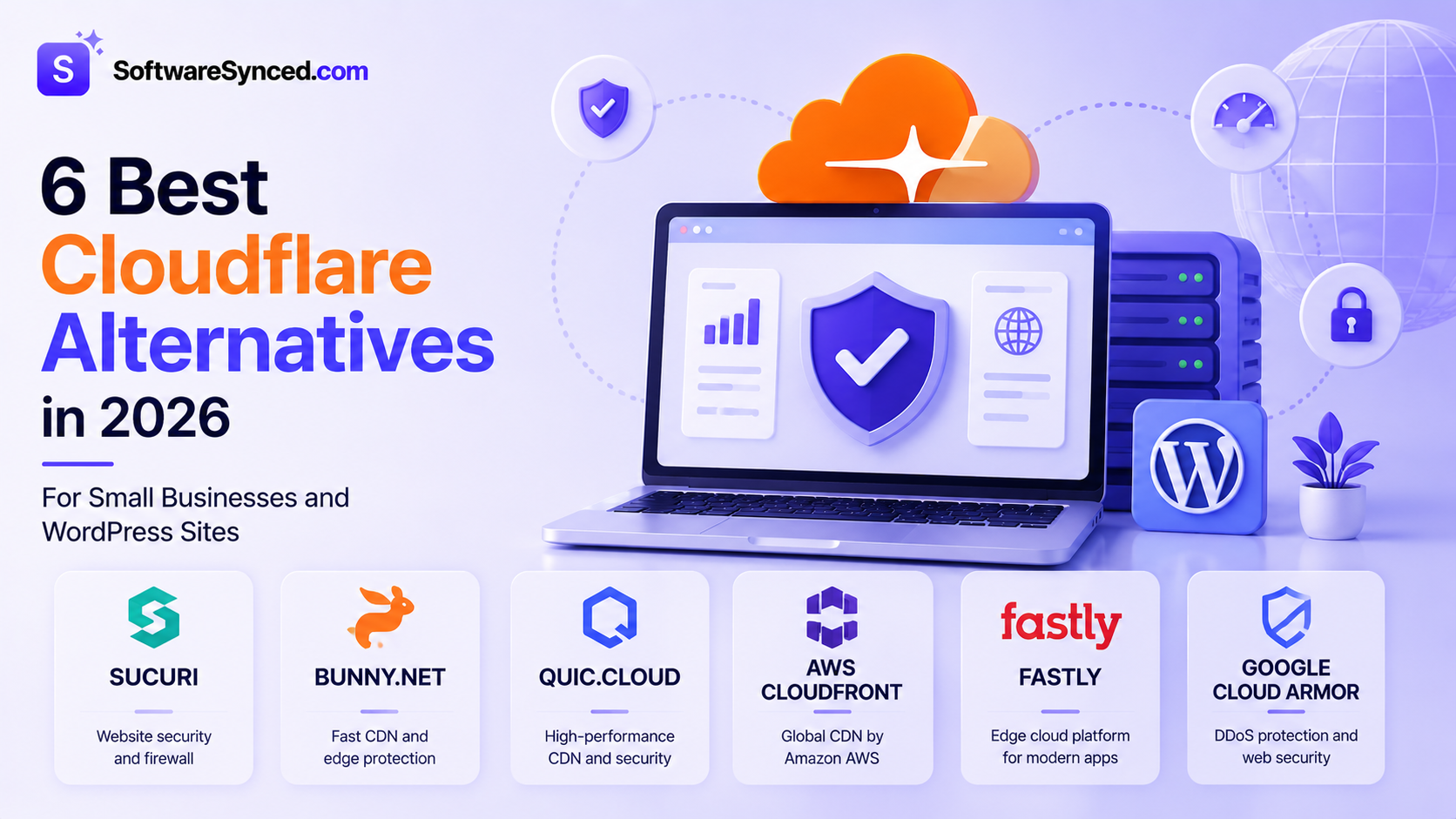
Cloudflare is the default recommendation for CDN, DDoS protection, and web application firewall for most small business websites — and for good reason. Its free tier is genuinely one of the best deals in web infrastructure. But it is not the right fit for every situation.
The most common reasons small business owners look for Cloudflare alternatives in 2026: the free plan’s 5-rule WAF limit has been hit and the Pro plan feels like a big jump for what you get, the dashboard feels overwhelming for non-technical users, you need a more hands-off managed security experience, or you are looking for something purpose-built for WordPress rather than a general-purpose edge network.
This guide covers six alternatives that are actually relevant for small businesses and WordPress site owners — not the enterprise platforms (Akamai, Imperva) that dominate most competing lists but bear no relationship to what a small business actually needs or can afford.
If you are still undecided on whether you need Cloudflare Pro before looking at alternatives, our Cloudflare Free vs Pro comparison covers that decision in detail. And if you are building a broader security stack, our guide to the best website security tools in 2026 covers firewalls, SSL, and malware protection in full.
Quick Comparison
| Tool | Best For | Free Plan | Starting Price | CDN Included | WAF Included |
|---|---|---|---|---|---|
| Sucuri | WordPress security + managed cleanup | ❌ No (scanner only) | ~$10/month | ✅ Yes | ✅ Yes |
| Bunny.net | Budget CDN with no hidden costs | ❌ No (pay-as-you-go) | ~$1/month (usage-based) | ✅ Yes | ❌ Separate |
| QUIC.cloud | LiteSpeed/Hostinger sites | ✅ Yes (limited) | Pay-as-you-go | ✅ Yes | ✅ Basic |
| AWS CloudFront | AWS-hosted infrastructure | ✅ Yes (12-month free tier) | Usage-based (~$0.0085/GB) | ✅ Yes | ❌ Separate (AWS WAF) |
| Fastly | Developer-controlled edge logic | ❌ No | Usage-based | ✅ Yes | ✅ Yes |
| Google Cloud Armor | Google Cloud-hosted sites | ❌ No | ~$5/policy/month | ❌ Separate (Cloud CDN) | ✅ Yes |
Why You Might Be Looking for a Cloudflare Alternative
Before diving into alternatives, it helps to be clear about which specific Cloudflare limitation is driving your search — because the right alternative depends entirely on the gap you are trying to fill.
You have hit the 5-rule WAF limit on Free and do not want to pay $20/month for Pro. Sucuri provides a comparable managed WAF with malware cleanup included from $10/month — less than Cloudflare Pro, with a more hands-off security experience.
You want a CDN primarily for performance, not security, at the lowest possible cost. Bunny.net’s usage-based pricing is consistently cheaper than Cloudflare’s Pro tier for pure CDN use at small to medium traffic volumes.
You run a WordPress site on LiteSpeed-based hosting (Hostinger, for example). QUIC.cloud is purpose-built for this stack and integrates directly with the LiteSpeed Cache plugin in a way Cloudflare cannot match.
Your infrastructure is hosted on AWS, GCP, or Azure. CloudFront, Cloud Armor, or Azure CDN integrate natively with their respective ecosystems and eliminate the proxy overhead and potential misconfiguration risks of adding a third-party layer.
You need a more hands-on, developer-controlled edge platform. Fastly gives engineering teams more precise control over caching rules, request routing, and edge logic than Cloudflare’s dashboard allows.
1. Sucuri — Best for WordPress Sites Needing Managed Security
Free plan: No (scanner only) | Starting price: ~$10/month (~$199/year Basic) | Best for: WordPress sites, small businesses wanting hands-off WAF and malware cleanup
Sucuri is the most directly comparable Cloudflare alternative for small business sites that want a managed security layer rather than a self-configured platform. Where Cloudflare provides a powerful set of tools you configure yourself, Sucuri handles security more like a managed service — its team monitors for threats, cleans up infections, and manages the WAF rules on your behalf.
What makes Sucuri worth considering over Cloudflare specifically:
Malware cleanup included. Cloudflare does not touch malware — it filters incoming traffic but has no role in removing malicious code already on your server. Sucuri’s paid plans include unlimited malware cleanup, meaning if your site is compromised, their team fixes it as part of your subscription. For non-technical site owners, this hands-off remediation is worth more than Cloudflare’s more powerful but entirely self-managed toolset.
Virtual patching. Sucuri’s WAF can patch known vulnerabilities in popular plugins and CMS platforms at the firewall level before you apply the official update — closing the exposure window that exists between disclosure and patching. This is particularly useful for WordPress sites running numerous third-party plugins.
Platform-agnostic. Sucuri works with WordPress, Joomla, Magento, custom PHP sites, and anything else — no plugin required, no platform dependency.
The honest trade-off: Sucuri’s CDN performance and global reach is smaller than Cloudflare’s network. For sites where CDN performance is the primary goal, Cloudflare delivers faster load times with a broader points-of-presence network. Sucuri earns its cost specifically when managed security and cleanup are the priority over raw CDN performance.
Best for: Small businesses and WordPress site owners who want a more hands-off managed security experience with malware cleanup included, particularly those who find Cloudflare’s self-configuration approach too technical or time-consuming.
Not ideal for: Sites where CDN performance and global reach are the primary goals, or large-scale infrastructure requiring enterprise-grade WAF depth.
2. Bunny.net — Best Budget CDN
Free plan: No (pay-as-you-go, no minimum) | Starting price: ~$0.01/GB (usage-based) | Best for: Cost-conscious site owners wanting CDN performance without Cloudflare’s plan structure
Bunny.net is a CDN-first provider built specifically around transparent, usage-based pricing — and it is consistently one of the most affordable CDN options available for small to medium traffic volumes. Unlike Cloudflare, which charges a flat monthly plan rate for Pro features, Bunny.net charges per gigabyte delivered with no minimum commitment, making it significantly cheaper for sites with lower or variable traffic.
Bunny.net started as a side project in 2012 when developer Dejan Grofelnik Pelzel was frustrated by CDN pricing designed to confuse and overcharge, and has grown into a serious infrastructure provider now running 119 points of presence with over 200 Tbps of capacity.
What Bunny.net does well:
Transparent pricing with no surprises. Pay for what you use. No plan tiers, no feature gates, no renewal pricing surprises. For sites with inconsistent traffic patterns, this is a meaningful operational advantage over flat monthly plans.
Strong CDN performance. Independent benchmarks show Bunny.net competing with and occasionally outperforming Cloudflare on pure CDN delivery speed for static assets, particularly in European regions where its network density is highest.
BunnyCDN Storage — integrated edge storage for hosting static assets, images, and files closer to your visitors, useful for sites with large media libraries.
Image optimisation — automatic WebP conversion and compression built in, equivalent to Cloudflare Pro’s Polish feature at a usage-based cost rather than a flat monthly plan.
The honest trade-off: Bunny.net is a CDN, not a security platform. It does not include a WAF, meaningful DDoS protection beyond basic rate limiting, or malware protection. If security is part of your reason for using Cloudflare, Bunny.net is not a direct replacement — it solves the CDN performance and cost problem only. Pair it with a dedicated security tool like Sucuri or Wordfence if you need WAF coverage alongside CDN performance.
Best for: Budget-conscious site owners whose primary goal is CDN performance and cost efficiency rather than integrated security, and who are comfortable managing security through a separate tool.
Not ideal for: Sites that want an all-in-one CDN and security layer — Bunny.net requires pairing with a separate WAF and DDoS solution.
3. QUIC.cloud — Best for LiteSpeed-Based Hosting
Free plan: Yes (limited bandwidth) | Starting price: Pay-as-you-go credits | Best for: Sites hosted on LiteSpeed servers — Hostinger, LiteSpeed Enterprise hosting
QUIC.cloud is the official CDN built specifically for LiteSpeed web server environments, and it is worth knowing about specifically if your hosting provider runs LiteSpeed servers — which includes Hostinger, one of the most widely used shared hosts. On LiteSpeed-based hosting, QUIC.cloud integrates directly with the LiteSpeed Cache WordPress plugin in a way Cloudflare cannot match natively.
What makes QUIC.cloud worth considering for this specific stack:
Full-page caching at the CDN level. Unlike traditional CDNs that cache only static assets (images, CSS, JavaScript), QUIC.cloud caches entire dynamically generated pages by working directly with LiteSpeed Cache — dramatically reducing origin server load and improving response times for WordPress sites with heavy dynamic content.
Native LiteSpeed Cache integration. Configuration happens directly within the LiteSpeed Cache WordPress plugin you are already using, rather than a separate dashboard or DNS configuration change.
Seamless WordPress compatibility. No caching conflicts, no plugin compatibility issues — QUIC.cloud is built to understand WordPress request patterns in ways a generic CDN cannot.
Free tier with pay-as-you-go credits. A genuine free option for lower traffic sites, with paid credits for sites that exceed the free bandwidth allocation.
The honest trade-off: QUIC.cloud is only meaningful for LiteSpeed-powered environments. On Apache or Nginx hosting, it provides no advantage over Cloudflare and less capability than Bunny.net or AWS CloudFront. Its security features are also more basic than Cloudflare’s WAF — it handles common threats but does not offer the OWASP managed ruleset available on Cloudflare Pro.
Best for: WordPress sites hosted on LiteSpeed-based hosting (Hostinger, LiteSpeed Enterprise) wanting deep native CDN integration through the LiteSpeed Cache plugin.
Not ideal for: Sites on Apache or Nginx hosting, or anyone whose primary concern is WAF security rather than CDN performance.
4. AWS CloudFront — Best for AWS-Hosted Infrastructure
Free plan: Yes (12-month free tier: 1TB/month data transfer, 10 million requests) | Starting price: Usage-based, ~$0.0085/GB (US East region) | Best for: Applications and sites hosted on AWS infrastructure
AWS CloudFront is the right Cloudflare alternative when your infrastructure already lives on Amazon Web Services. Rather than adding a third-party proxy layer between your users and your AWS origin (which introduces additional latency and misconfiguration risk), CloudFront integrates natively with your existing AWS stack — S3 buckets, EC2 instances, Application Load Balancers, and Lambda@Edge functions all connect directly without additional proxying overhead.
AWS WAF integrates directly with CloudFront, Application Load Balancer, API Gateway, and AWS AppSync, meaning you can add WAF protection without changing your network topology.
What makes CloudFront the right choice specifically for AWS:
Native AWS integration eliminates the third-party proxy layer. Content served from S3 or EC2 through CloudFront stays entirely within Amazon’s network until it reaches the visitor — no external proxy dependency, no risk of Cloudflare-origin SSL misconfiguration.
Usage-based pricing scales predictably. No monthly plan commitment, pay per request and per GB. The 12-month free tier (1TB data transfer, 10 million requests) covers a meaningful amount of traffic for evaluation and smaller sites.
AWS Shield Standard included free. Basic DDoS protection at the infrastructure level is bundled with every CloudFront distribution at no additional cost, with Shield Advanced available for more sophisticated protection.
Lambda@Edge and CloudFront Functions. Run serverless logic at the edge — authentication, redirects, header modification, A/B testing — without round-tripping to your origin server. More complex to configure than Cloudflare Workers but deeply integrated with the broader AWS ecosystem.
The honest trade-off: AWS WAF is a separate service with its own pricing ($5/month per web ACL, plus $1 per million requests), making the all-in cost higher than Cloudflare Pro for equivalent WAF coverage. CloudFront is also meaningfully harder to configure than Cloudflare’s dashboard for non-technical users — it is a tool for infrastructure teams, not site owners without AWS experience.
Best for: Applications and websites already hosted on AWS that want CDN and WAF integrated natively with their existing infrastructure without adding a third-party proxy layer.
Not ideal for: Non-AWS sites, or site owners without AWS experience — the configuration complexity and separate WAF pricing make it a worse value than Cloudflare for infrastructure not already on AWS.
5. Fastly — Best for Developers Needing Edge Control
Free plan: No | Starting price: Usage-based (custom enterprise; developer tier available) | Best for: Engineering teams wanting precise, programmable edge logic beyond what Cloudflare’s dashboard offers
Fastly is a fundamentally different type of CDN to the others on this list — it is designed specifically for engineering teams that need to run complex logic at the edge rather than site owners who want a managed platform. Its Compute@Edge platform allows developers to write edge functions in multiple programming languages (Rust, JavaScript, Go, AssemblyScript) and deploy them across Fastly’s network, with performance characteristics that independent benchmarks show outperforming Cloudflare Workers on computationally intensive edge tasks.
Fastly’s Compute@Edge platform provides high-performance edge compute through WebAssembly, enabling complex edge logic with stronger performance than alternatives based on V8 isolates.
What makes Fastly worth considering for technical teams:
Instant cache purge. Fastly can purge cached content globally in under 150 milliseconds — a meaningful operational advantage for content-heavy sites that need precise, immediate cache invalidation without waiting for TTL expiry.
Varnish Configuration Language (VCL). Fastly’s VCL-based configuration gives engineering teams precise control over request handling, caching rules, and content manipulation that Cloudflare’s rule-based dashboard does not match in flexibility.
Integrated WAF. Fastly’s Next-Gen WAF (powered by Signal Sciences technology) offers strong OWASP coverage and is well-regarded by security teams, particularly for API security and bot management.
The honest trade-off: Fastly is not a product for non-technical users. There is no beginner-friendly dashboard comparable to Cloudflare’s, pricing requires enterprise engagement for meaningful volume commitments, and the platform assumes engineering capability to get full value. For the large majority of small business site owners, Fastly’s advantages are not relevant to their use case.
Best for: Engineering teams building high-traffic applications that need programmable edge compute, instant cache purging, and precise CDN control beyond what Cloudflare’s dashboard model offers.
Not ideal for: Small business site owners, WordPress users, or anyone without dedicated engineering resources — the platform complexity is not justified for standard website use cases.
6. Google Cloud Armor — Best for Google Cloud-Hosted Sites
Free plan: No | Starting price: ~$5/month per security policy + $1 per million requests | Best for: Sites and applications hosted on Google Cloud Platform wanting native WAF integration
Google Cloud Armor is Google’s managed WAF and DDoS protection service, designed specifically for applications hosted on Google Cloud Platform. Like AWS CloudFront for AWS infrastructure, Cloud Armor’s core value is native integration — it connects directly to Google Cloud Load Balancers without adding a third-party proxy layer, and benefits from Google’s global network infrastructure (which includes Google Search and YouTube traffic routing).
What makes Cloud Armor relevant for GCP users:
Native GCP integration. Attach WAF protection directly to your existing Cloud Load Balancer without DNS proxy changes or third-party dependencies. For GCP-hosted infrastructure, this simplicity is its primary advantage.
Google’s threat intelligence. Cloud Armor’s managed protection tier uses machine learning models trained on Google’s global traffic data — a meaningful dataset given the scale of Google’s network.
Preconfigured OWASP rules. Managed protection rules covering OWASP Top 10 vulnerabilities are available with a single configuration toggle, equivalent to Cloudflare Pro’s OWASP managed ruleset.
The honest trade-off: Cloud Armor requires Cloud CDN as a separate product for content delivery — unlike Cloudflare, which bundles CDN and WAF in the same plan, GCP splits these into separate services with separate billing. The combined cost of Cloud CDN plus Cloud Armor can exceed Cloudflare Pro for equivalent coverage. Outside of GCP-hosted infrastructure, there is no practical reason to choose Cloud Armor over Cloudflare.
Best for: Applications hosted on Google Cloud Platform wanting integrated WAF protection without adding a third-party proxy layer.
Not ideal for: Anyone not hosted on GCP — the separate CDN and WAF billing, combined with platform-specific setup requirements, make it a worse value than Cloudflare for infrastructure not already on Google Cloud.
Which Alternative Should You Choose?
You run a WordPress site and want more hands-off managed security with malware cleanup: Sucuri. More managed than Cloudflare, includes unlimited malware cleanup, and costs less than Cloudflare Pro at comparable security coverage.
You want pure CDN performance at the lowest possible cost: Bunny.net. Usage-based pricing is consistently cheaper than Cloudflare Pro for CDN-only use cases. Pair with a separate WAF if security is also needed.
You host on Hostinger or another LiteSpeed-based provider: QUIC.cloud. The native LiteSpeed Cache integration delivers full-page caching that Cloudflare cannot match on this specific stack.
Your site or app lives on AWS: AWS CloudFront with AWS WAF. Native integration eliminates the proxy overhead and misconfiguration risks of adding Cloudflare to AWS-hosted infrastructure.
You have an engineering team and need programmable edge logic: Fastly. Developer-grade control over edge compute, caching, and WAF configuration that Cloudflare’s dashboard model does not match.
Your infrastructure is on Google Cloud Platform: Google Cloud Armor. Same reasoning as CloudFront — native GCP integration eliminates the third-party proxy layer.
Final Verdict
For the majority of small business site owners who are looking for a Cloudflare alternative, Sucuri is the most natural next step — it solves the specific gaps that most small businesses hit with Cloudflare (managed security, malware cleanup, less configuration overhead) at a price below Cloudflare Pro.
Bunny.net is the right choice when CDN performance and cost efficiency are the goal and you are happy to manage security separately. QUIC.cloud is the correct answer for LiteSpeed hosting environments specifically. AWS CloudFront, Fastly, and Google Cloud Armor are for technical teams whose infrastructure already lives on those platforms — for everyone else, the complexity overhead is not justified.
One thing worth stating clearly: if Cloudflare’s free tier is working for your site and your only hesitation is the Pro pricing, our Cloudflare Free vs Pro comparison is worth reading before switching platforms entirely — for many sites, the free tier covers everything needed permanently. If you are also building out your security stack beyond CDN and WAF, our guide to the best website security tools in 2026 covers SSL, malware scanning, and backups alongside the firewall decision.