

Last updated: September 8th 2026 | Reading time: 9 minutes
! Some links on this page may be affiliate links, which means we may earn a commission if you make a purchase.
Website builder features, pricing, plan limits, and factual claims were reviewed against official provider sources. We update this article as information changes.
TL;DR: Best Website Builders for Small Businesses at a Glance
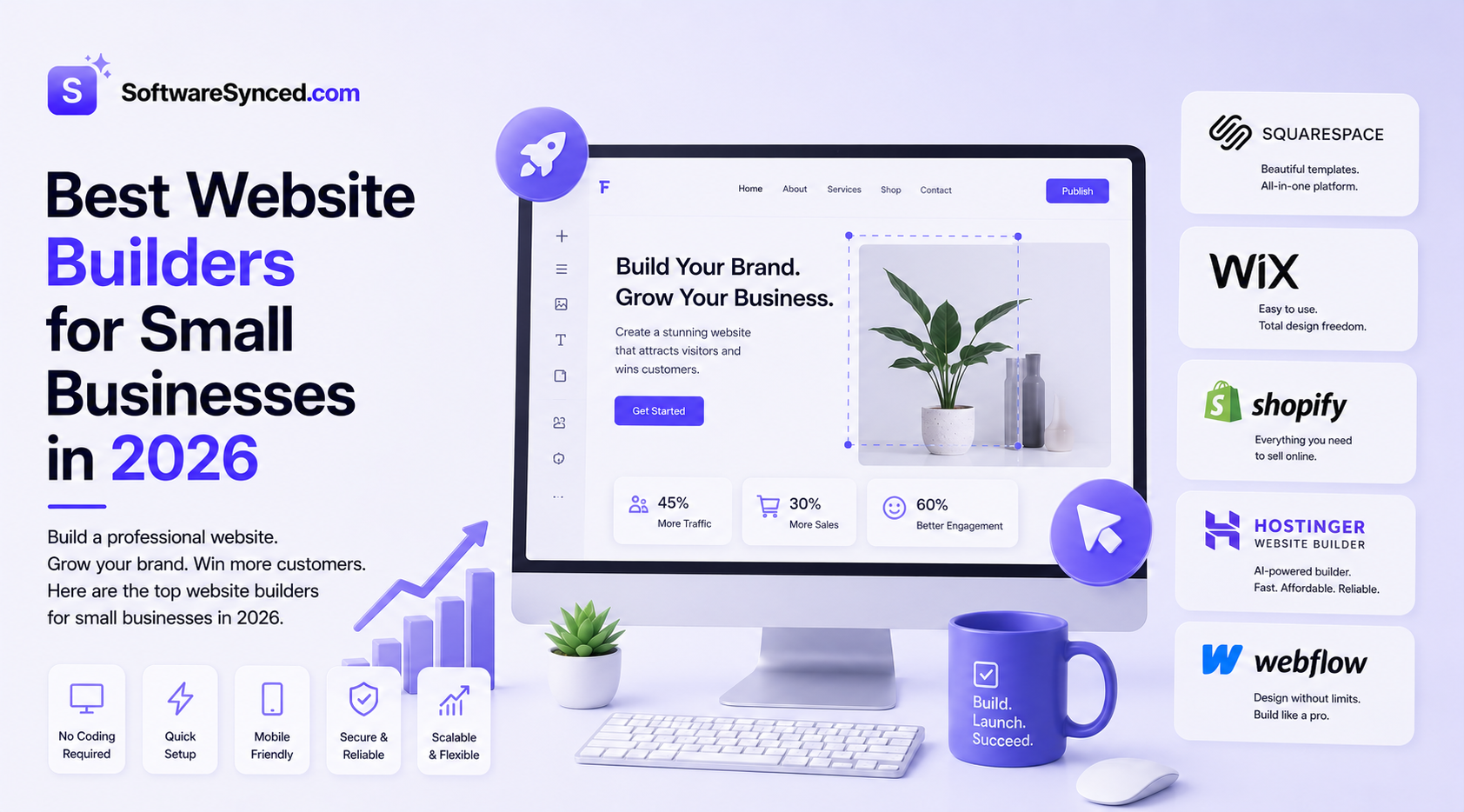
Bluehost is my top overall pick because it combines AI-assisted website creation with real WordPress, hosting, security, backups, staging, and room to grow. Squarespace is the easiest choice for polished design, Wix is best for AI-assisted building, Shopify is the obvious choice for ecommerce, Webflow is best for advanced design control, and Hostinger Website Builder is the budget pick.
Choosing a website builder is one of those decisions that feels easy to reverse until you have spent weeks building a site on the wrong platform. The best option depends on how your business operates, how quickly you need to launch, and how much flexibility you want once the site is live.
For most small businesses, a good website builder should do more than produce a professional-looking homepage. It should make it easy to launch, support SEO and marketing, provide the business tools you actually need, and give you enough room to grow without forcing a complete rebuild later.
An AI web hosting tool can also be useful for small businesses that want AI-assisted website creation combined with hosting, rather than using a separate website builder and hosting provider.
This guide compares six of the strongest website builders for small businesses in 2026, including options for service businesses, ecommerce, AI-assisted building, custom design, and budget-conscious businesses.
How We Evaluated These Website Builders
We evaluated each website builder using the same criteria, focusing on what matters most to small businesses rather than simply comparing the number of templates or features listed on each provider’s marketing page.
Each platform was assessed across seven core categories, with greater weight given to the factors that have the biggest impact on launching, running, and growing a small-business website.
Ease of Building
How quickly a small business can go from an idea to a usable website, including AI-assisted creation, templates, editing, setup, and the overall learning curve.
Business Features
The tools available for running a business online, including forms, bookings, marketing, analytics, ecommerce, integrations, and other capabilities that reduce the need for separate services.
Design & Customization
The quality of templates and the amount of control users have over layouts, branding, typography, responsive design, content, and visual presentation.
Pricing & Long-Term Value
The real cost of using each platform, including introductory pricing, renewal rates, billing terms, included features, add-ons, transaction fees, and other costs that affect long-term value.
SEO & Content Flexibility
The level of control over technical SEO, metadata, content structures, URLs, blogging, structured content, and other capabilities that can influence a website’s visibility in search engines and AI-powered search.
Ecommerce Capabilities
How well each platform supports online selling, including products, payments, inventory, checkout, shipping, subscriptions, and the ability to expand an online store as the business grows.
Scalability & Flexibility
How well the platform continues to work as a business grows, including integrations, migration options, extensibility, content limits, and whether users can move beyond the platform’s initial capabilities.
How we verify our findings
We cross-check important product claims against official pricing pages, product documentation, and feature information published by each provider. Where appropriate, we also consider independent user feedback and third-party sources to identify common strengths, limitations, and real-world usability issues.
Quick Comparison
| Website Builder | Best For | Starting Price* | AI Website Builder | Ecommerce | Free Plan |
|---|---|---|---|---|---|
| Bluehost | Best overall | From $3.99/mo | ✅ Yes | ✅ Yes | ❌ |
| Squarespace | Design and ease of use | ~$16/mo | ✅ Yes | ✅ Yes | ❌ |
| Wix | AI-assisted building | ~$17/mo | ✅ Yes | ✅ Yes | ✅ |
| Shopify | Online stores | $29/mo annually | ✅ Yes | ✅ Core feature | ❌ |
| Webflow | Design control and SEO | $15/mo annually | ✅ Yes | Separate | ✅ |
| Hostinger Website Builder | Best budget option | From $2.99/mo | ✅ Yes | ✅ Yes | ❌ |
*Prices vary by billing term, location, taxes, promotions, and plan. Always check current pricing before purchasing.
1. Bluehost — Best Overall for Small Businesses
Starting price: From $3.99/month on a 36-month term
Best for: Small businesses that want AI-assisted website creation combined with WordPress and hosting flexibility
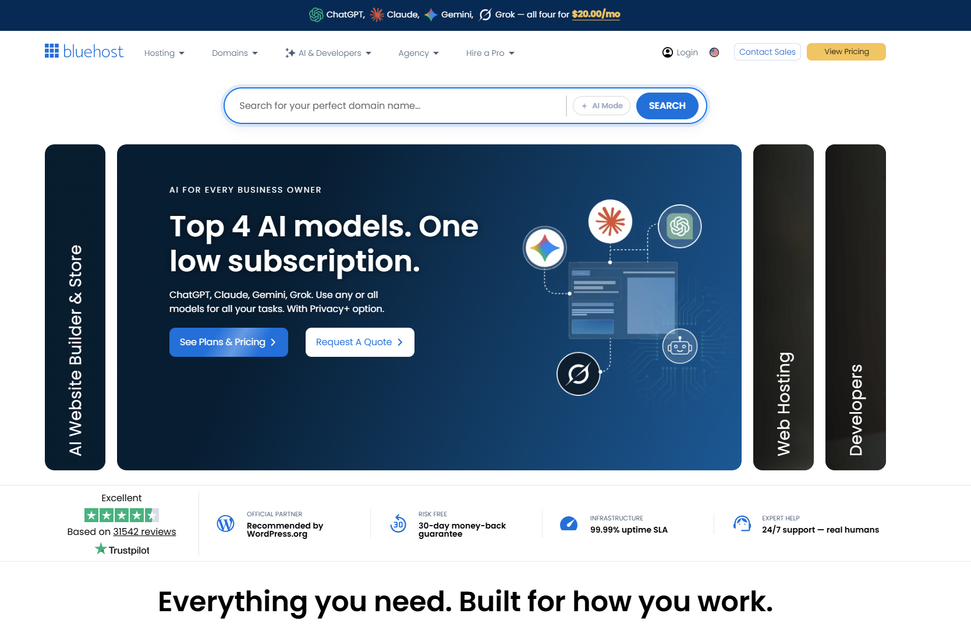
Bluehost is my top overall choice for small businesses in 2026.
The biggest reason is that Bluehost sits between a traditional website builder and a full WordPress hosting platform. Its current AI Website Builder can generate a WordPress site from a description of your business, giving you a faster starting point while retaining the flexibility of WordPress afterward.
That distinction matters. You're not locked into a proprietary website-building system after the initial AI generation. The finished site remains a WordPress installation, with access to WordPress themes, plugins, and editing tools.
What makes Bluehost stand out?
AI-assisted website creation. Bluehost's AI Website Builder can generate WordPress website options from a description of your business, giving small businesses a faster way to get a first version online.
Real WordPress underneath. The AI builder does not replace WordPress. It speeds up the initial build, after which you retain access to the broader WordPress ecosystem and its customization options.
Hosting included. Bluehost combines website creation with hosting, CDN, SSL, backups, security, and managed WordPress functionality, reducing the need to assemble these services separately.
Useful business features. Current WordPress plans include AI site creation tools, CDN, managed WordPress updates, SSL, backups, staging, SSH, and WP-CLI, with higher plans supporting more websites and resources.
Room to grow. Bluehost's WordPress hosting plans provide a path from a basic business website toward more demanding projects, so you do not necessarily have to move platforms when your needs expand.
The trade-off
Bluehost is not as visually curated as Squarespace, and businesses that only want a closed, no-maintenance website builder may prefer a simpler platform.
There is also a learning curve once you start using WordPress beyond the initial AI-generated design. That flexibility is an advantage, but it also means there are more settings and customization options to manage.
My verdict: Bluehost is the best overall website builder for small businesses that want the speed of AI-assisted creation without sacrificing the flexibility of WordPress and full hosting.
2. Squarespace — Best for Design and Ease of Use
Starting price: About $16/month
Best for: Service businesses that want a polished website with minimal technical complexity
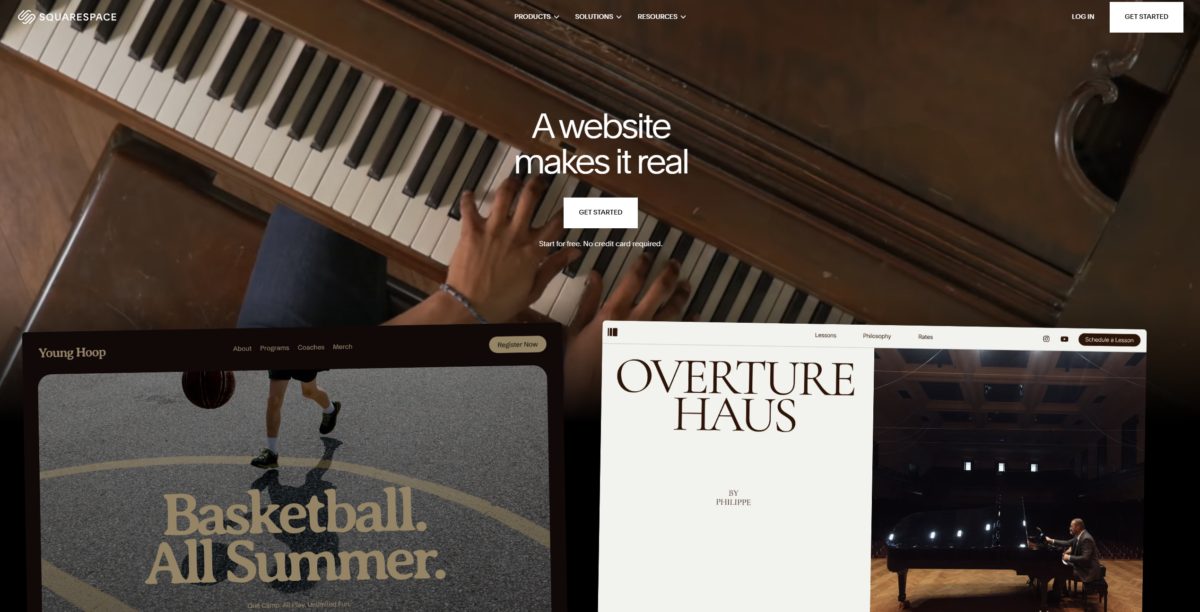
Squarespace is still one of the easiest recommendations for small businesses that want a professional result without spending a lot of time learning a design system.
Its biggest strength is consistency. The templates are polished, the editor is approachable, and common business functions such as forms, scheduling, commerce, and marketing can be kept inside the same ecosystem.
Squarespace also supports AI-assisted creation, making it easier to generate a starting point rather than beginning with a completely blank template.
What makes Squarespace useful?
Professional templates. Squarespace remains particularly strong for businesses where visual presentation matters, including consultants, restaurants, salons, studios, and premium service providers.
Simple editing. The platform is designed around visual editing rather than developer-oriented configuration.
Business features. Scheduling, marketing, analytics, ecommerce, and other business capabilities can be managed within the same platform.
The trade-off
Squarespace's simplicity also creates a design ceiling. You can create a polished site quickly, but businesses that need unusually complex layouts, advanced CMS structures, or deep technical customization will eventually find the platform more restrictive than WordPress or Webflow.
My verdict: Squarespace is one of the best choices for small businesses that care about professional design and want to avoid unnecessary technical complexity.
3. Wix — Best for AI-Assisted Building
Starting price: About $17/month
Best for: Business owners who want AI to handle much of the initial website-building process
Wix remains one of the strongest mainstream AI website builders in 2026.
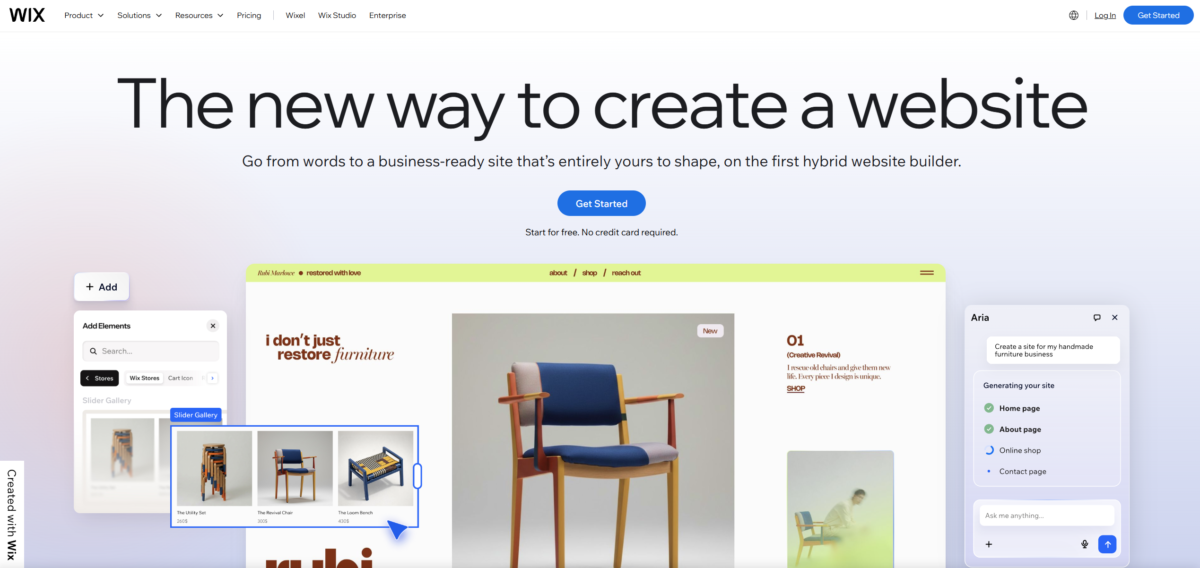
Its current AI experience uses the Wix Harmony Editor and its AI agent, Aria. Businesses can describe what they want, have the site generated from their requirements, and then customize it manually or with AI.
What makes Wix stand out?
AI-generated websites. Wix can generate a customized site from a business description and let you continue editing the result rather than treating AI generation as the end of the process.
Large feature ecosystem. Wix combines website building with ecommerce, bookings, marketing, forms, analytics, and other business functions.
Flexible editing. The platform provides more control than a basic AI site generator while still keeping the interface accessible to non-developers.
The trade-off
Wix can become overwhelming because there are so many tools, settings, apps, and customization choices.
That makes it powerful, but not necessarily the fastest platform for a business owner who simply wants a basic site launched with minimal decisions.
My verdict: Wix is the best alternative when AI-assisted building is the most important factor and you want a large ecosystem of templates and business features behind it.
4. Shopify — Best for Online Stores

Starting price: $29/month when billed annually
Best for: Small businesses where ecommerce is the primary purpose of the website
Shopify is fundamentally an ecommerce platform, and that is exactly why it works so well for businesses that primarily sell products.
Shopify's Basic plan is designed around online stores, with product management, checkout, inventory, selling channels, and Shopify's broader merchant ecosystem.
Why Shopify works so well for ecommerce
Built around selling. Shopify's checkout, inventory, product management, payments, and store infrastructure are designed around online commerce rather than being secondary features.
Omnichannel selling. Products can be sold through the website, social channels, marketplaces, and physical locations using the broader Shopify ecosystem.
Large app ecosystem. Integrations allow businesses to extend everything from marketing and fulfillment to subscriptions and customer loyalty.
AI features. Shopify continues to add AI tools across store creation, product content, and merchant workflows.
The trade-off
Shopify is overkill for many service businesses.
If your website is primarily a brochure site for a consultant, contractor, salon, or local business, paying for an ecommerce-first platform provides little benefit compared with Bluehost, Squarespace, or Wix.
My verdict: Shopify is the best website builder on this list when selling products online is the core purpose of the business.
5. Webflow — Best for Design Control and SEO
Starting price: From $15/month for the Basic plan when billed annually
Best for: Businesses that want advanced design control, structured content, and strong technical flexibility
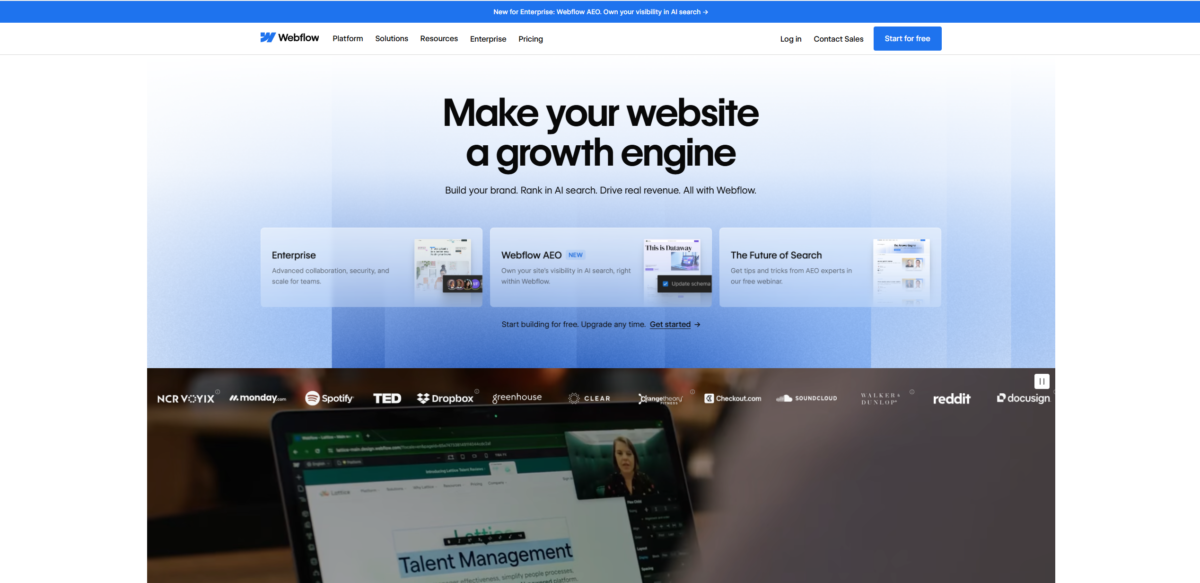
Webflow is aimed at users who want much more control over the way a website looks and behaves.
Its visual design system gives you granular control over layouts, typography, animations, responsive behavior, and CMS-driven content without requiring you to hand-code everything.
Webflow's current pricing structure includes a Basic plan at $15/month when billed annually, with higher tiers adding CMS and other capabilities.
What makes Webflow stand out?
Design control. Webflow is one of the best options for businesses where visual differentiation is important.
CMS flexibility. Its CMS is well suited to blogs, case studies, team pages, location pages, and other structured content.
Technical SEO control. Webflow gives designers and marketers more control over the underlying structure of the site than many closed website builders.
AI-assisted building. Webflow's AI site builder can create an initial site structure that can then be customized.
The trade-off
Webflow has a real learning curve.
It is much more powerful than a simple drag-and-drop builder, but that also means beginners can spend significantly more time learning the platform.
The cost can also increase as you need CMS functionality, team features, or additional services.
My verdict: Webflow is the strongest choice for small businesses where design control and technical flexibility justify spending more time learning the platform.
6. Hostinger Website Builder — Best Budget Option
Starting price: From $2.99/month
Best for: Small businesses that want AI-assisted building and hosting at a low entry price
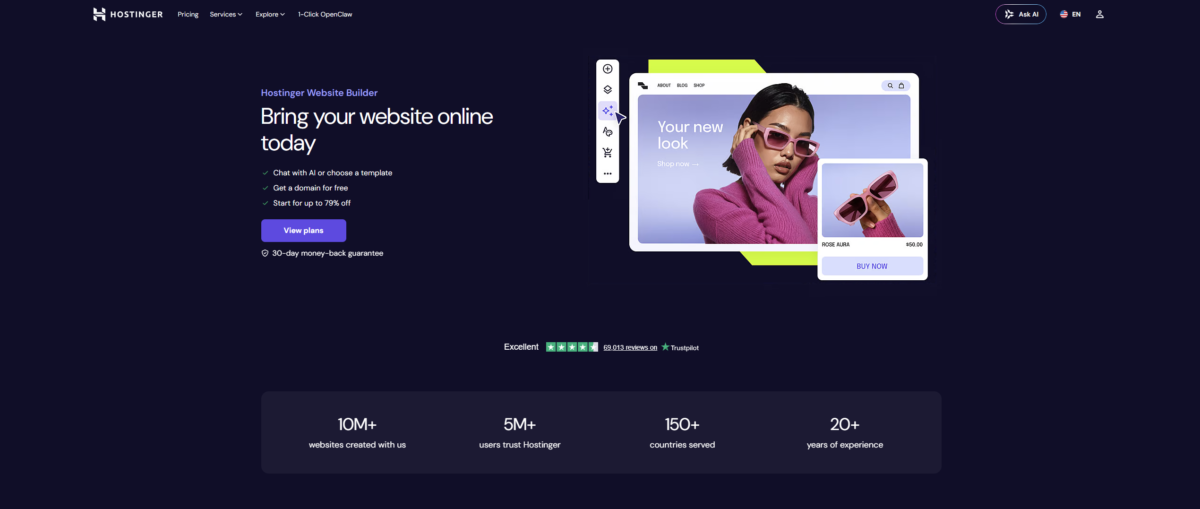
Hostinger remains one of the most attractive budget options because it bundles website building and hosting rather than treating them as separate services.
Its AI-assisted website builder can generate an initial site from a description, while the platform also provides hosting, domain registration, ecommerce capabilities, and other business tools depending on the plan.
What makes Hostinger useful?
Low entry cost. It is substantially cheaper than many mainstream website builders at signup.
AI website creation. Businesses can describe the type of website they want and use AI to generate a starting point.
Bundled hosting. Domain, hosting, website creation, and other services can live under one subscription.
Ecommerce support. Higher-tier plans provide online store functionality without requiring a completely separate ecommerce platform.
The trade-off
Hostinger's design flexibility and template polish are not as strong as Squarespace, Wix, or Webflow.
It is best viewed as a budget-friendly solution for businesses that need the fundamentals rather than a platform for highly distinctive brand experiences.
My verdict: Hostinger Website Builder is the best pick when price is the primary constraint and you want website building and hosting in one inexpensive package.
How I'd Choose the Right Website Builder
I want the best overall option
I'd choose Bluehost.
It gives you AI-assisted website creation while retaining WordPress underneath, which gives you substantially more flexibility than a closed website builder.
I want the easiest path to a polished website
I'd choose Squarespace.
Its biggest strength is how quickly a small business can reach a professional-looking result without getting lost in technical configuration.
I want AI to do as much of the initial work as possible
I'd choose Wix.
Its AI-first workflow gives you a fast starting point while still allowing extensive customization afterward.
Selling products is the core of my business
I'd choose Shopify.
It is designed around ecommerce from the ground up, which makes it the natural choice when the website is fundamentally an online store.
I care most about custom design and technical control
I'd choose Webflow.
The learning curve is higher, but the design system and CMS provide much greater control.
Budget is the primary constraint
I'd choose Hostinger Website Builder.
It provides AI-assisted building and bundled hosting at a much lower entry price than most competitors.
What About AI Website Builders?
AI website builders have changed what small businesses can reasonably expect from a website-building platform.
Instead of starting with a blank template, you can now describe your business, provide information about your audience and style, and receive a usable first version within minutes.
That does not mean the finished site should be published without review. AI-generated copy, images, layouts, business information, and SEO elements still need to be checked for accuracy and brand fit.
The biggest distinction is what happens after AI creates the first draft.
Some platforms keep you inside a closed website-building ecosystem. Others, such as Bluehost, use AI to accelerate the creation of a real WordPress site, giving you access to the broader WordPress ecosystem afterward.
That makes the underlying platform just as important as the AI itself.
Final Verdict
For most small businesses in 2026, Bluehost is my top overall website builder.
It combines AI-assisted website creation with WordPress, hosting, CDN, SSL, backups, security, staging, and developer access. More importantly, the AI does not lock you into a proprietary builder: the result is still a real WordPress website that you can continue developing after the initial build.
Squarespace remains an excellent option for service businesses that want a polished site with minimal complexity.
Wix is the stronger choice for businesses that want AI-assisted creation alongside a large feature and template ecosystem.
Shopify is the clear winner when ecommerce is the primary purpose of the website.
Webflow is best for businesses that care deeply about custom design, structured content, and technical control.
Hostinger Website Builder is the budget option for businesses that want to keep their initial website costs low.
The best choice ultimately depends on what you need after the website launches, not just how quickly the builder can create the first draft. A platform that saves an afternoon during setup but becomes restrictive six months later can be much more expensive than choosing the right system from the beginning.
Businesses also have increasingly more options between traditional website builders and hosting platforms. An AI web hosting tool can combine AI-assisted creation with hosting, while businesses that eventually need client-site management may outgrow the needs covered by our web hosting for freelancers comparison.
Once the website is live, the next priorities are usually SEO, customer management, ecommerce marketing, and security rather than the website builder itself.
Frequently Asked Questions
What is the best website builder for small businesses in 2026?
Bluehost is my top overall choice for small businesses in 2026. It combines AI-assisted website creation with WordPress, hosting, SSL, CDN, backups, staging, security, and ongoing flexibility.
Which website builder is easiest for a small business?
Squarespace is one of the easiest options for businesses that want to launch a polished website without dealing with a lot of technical configuration.
What is the best AI website builder for a small business?
Wix is one of the strongest AI-first options, while Bluehost is particularly attractive for businesses that want AI-assisted creation but still want a real WordPress website underneath.
Is WordPress a good choice for a small business website?
Yes. WordPress can be more flexible than closed website builders, particularly for businesses that expect to add features, content, ecommerce, integrations, or custom functionality over time.
Is Shopify better than a regular website builder?
Shopify is better when ecommerce is the main purpose of the site. For service businesses and basic company websites, a general-purpose builder is often simpler and less expensive.
Which website builder is best for SEO?
Webflow is a strong choice for businesses that want detailed technical control, while WordPress gives businesses access to a large ecosystem of SEO plugins and customization options.