
Last updated: May 2026 | Reading time: 8 minutes
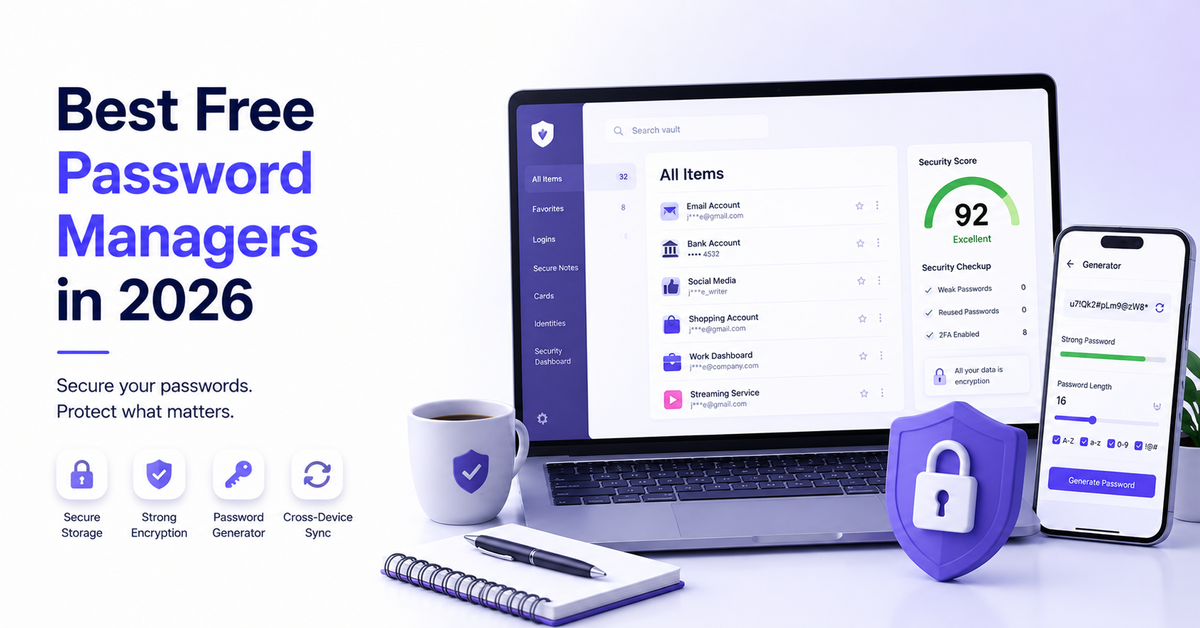
Reusing the same password across multiple accounts is one of the most common — and dangerous — habits in cybersecurity. A single breach can expose everything. The good news is that you do not need to spend money to fix this. Several genuinely capable password managers offer free plans that cover everything most people need: unlimited password storage, multi-device sync, autofill, and strong encryption.
This guide covers the best free password managers available in 2026 — what each one includes at the free tier, where the limitations kick in, and who each tool is actually built for. No sponsored rankings, just honest assessments.
Quick Comparison
| Tool | Free Password Limit | Free Devices | Passkeys Free | Price to Upgrade |
|---|---|---|---|---|
| Bitwarden | Unlimited | Unlimited | Yes | $10/year |
| Proton Pass | Unlimited | Unlimited | Yes | ~$60/year |
| NordPass | Unlimited | 1 active | No | ~$35.88/year |
| RoboForm | Unlimited | 1 | Limited | ~$23.88/year |
| Dashlane | 25 only | 1 | No | ~$59.88/year |
What Makes a Free Password Manager Worth Using?
Before getting into the reviews, here is what separates a genuinely useful free password manager from one that is just a trial in disguise:
- Unlimited password storage — a cap on stored passwords defeats the purpose
- Multi-device sync — your passwords should follow you across phone, laptop, and browser
- Strong encryption — AES-256 is the current standard; zero-knowledge architecture means even the provider cannot see your data
- Autofill — manually copying passwords removes most of the convenience
- No aggressive paywalling — the free tier should be usable long-term, not just for evaluation
With that in mind, here are the top free password managers worth your attention in 2026.
1. Bitwarden — Best Overall Free Password Manager
Free plan includes: Unlimited passwords, unlimited devices, secure notes, credit card storage, data breach scanning, password generator, password sharing via Send feature.
Premium plan: $10/year — one of the cheapest upgrades in the category.
Best for: Anyone who wants a fully functional, no-compromise free password manager with open-source transparency.
Bitwarden is widely considered the best free password manager available in 2026, and the case for it is straightforward: the free tier is genuinely unlimited. Unlimited passwords, unlimited devices, and unlimited syncing — no paywalls blocking core functionality. It is fully open-source, meaning the code is publicly auditable by independent security researchers, which is a meaningful trust signal in a category where you are handing over your most sensitive credentials.
The Send feature — which allows you to share passwords or secure notes with expiration dates and view limits — is available on the free plan, which is rare. Most competitors lock sharing behind paid tiers. Bitwarden has also added passkey support across its browser extensions and mobile apps, and continues running regular independent security audits.
What’s genuinely great:
- Truly unlimited free tier with no device caps — one of only two major managers offering this
- Open-source codebase with regular independent security audits
- Self-hosting option for advanced users who want complete control over their vault
- Data breach scanning built into the free plan
- Password sharing available at no cost via the Send feature
Honest downsides:
- The interface is functional but not the most polished or beginner-friendly
- Some advanced features like dark web monitoring require the premium plan
- Mobile app experience is slightly less smooth than competitors like NordPass or 1Password
Verdict: The strongest free password manager available in 2026. If you want one tool that does everything at no cost, with no device limits and full open-source transparency, Bitwarden is the answer. The $10/year premium upgrade is also the best value paid tier in the category if you ever need extra features.
2. Proton Pass — Best Free Plan for Privacy-Conscious Users
Free plan includes: Unlimited passwords, unlimited devices, unlimited notes, unlimited credit cards, email alias generation, passkey support, password generator, password sharing.
Premium plan (Plus): ~$4.99/month or included in Proton Unlimited at ~$10/month.
Best for: Privacy-focused users, those already in the Proton ecosystem (ProtonMail, Proton VPN), and anyone who wants email alias protection built into their password manager.
Proton Pass has rapidly become one of the most compelling free options in the category. Built by Proton AG — the Swiss company behind ProtonMail and Proton VPN — it brings the same privacy-first philosophy to password management. The free tier in 2026 is exceptionally generous: unlimited devices, unlimited logins, unlimited passkey support, and built-in email alias generation, all at no cost.
The email alias feature is a genuine differentiator. When signing up for a new website, you can generate a unique alias email address that forwards to your real inbox — meaning you never hand your actual email address to third parties. Most competitors charge for this. Proton Pass includes it free. The importer is also the most generous in the category, accepting exports from over 15 password managers including 1Password, Bitwarden, LastPass, Dashlane, and more, making migration straightforward.
What’s genuinely great:
- Most generous free tier in the category alongside Bitwarden — unlimited devices and passwords
- Built-in email alias generation at no cost — a unique and valuable privacy feature
- Zero-knowledge architecture with open-source clients based in Switzerland
- Passkey support included on free plan — NordPass still gates this to premium
- Seamless integration with the broader Proton ecosystem
Honest downsides:
- No emergency access feature — trusted contacts cannot access your vault if something happens to you
- Mobile autofill occasionally misses login fields, requiring manual copy-paste
- Premium plans are slightly more expensive than some competitors
- Live chat support is not available on the free tier
Verdict: An outstanding free option, particularly for users who care about privacy or who already use Proton services. The email alias feature alone makes it worth considering over competitors. If emergency access or polished mobile autofill are priorities, look at Bitwarden or NordPass instead.
3. NordPass — Best Free Option for Simplicity and Ease of Use
Free plan includes: Unlimited passwords, password generator, autofill, 24/7 live chat support, 30-day premium trial (no credit card required).
Premium plan: ~$23.88/year (first year discounted), ~$35.88/year thereafter.
Best for: Beginners and casual users who want a clean, simple password manager and do not need multi-device sync on the free tier.
NordPass is built by the team behind NordVPN, one of the most recognised names in cybersecurity. The free plan is clean, well-designed, and genuinely beginner-friendly — and it comes with something rare in the free tier space: 24/7 live chat customer support at no cost. For someone new to password managers who might need guidance, that is a meaningful advantage.
The notable limitation is device access. NordPass Free caps you to one active device at a time, which means logging into your vault on your phone automatically logs you out on your laptop. For users who primarily work on one device this is manageable, but for anyone switching regularly between phone and computer it becomes frustrating quickly.
What’s genuinely great:
- Cleanest, most beginner-friendly interface in the category
- 24/7 live chat support on the free plan — genuinely rare
- 30-day premium trial with no credit card required
- Strong security foundation with independent XChaCha20 encryption and regular audits
- Username generator included alongside the password generator
Honest downsides:
- One active device at a time on the free plan — a significant limitation compared to Bitwarden and Proton Pass
- Passkey support requires a premium plan — competitors offer this free
- Premium pricing is higher than Bitwarden at renewal ($35.88/year vs $10/year)
- No open-source codebase — less transparency than Bitwarden or Proton Pass
Verdict: The best choice for beginners who want simplicity and live support, and who primarily use one device. If you regularly switch between phone and laptop, the single-device limitation will frustrate you quickly — in that case Bitwarden or Proton Pass are better fits.
4. RoboForm — Best Free Option for Form Filling
Free plan includes: Unlimited passwords, single device, form filling, secure notes, password generator, password health checker, 24/7 live chat support.
Premium plan: ~$23.88/year (first year discounted).
Best for: Users who frequently fill out complex online forms and want the best autofill accuracy available.
RoboForm has been around since 1999 — longer than any other password manager on this list — and its form-filling capability remains unmatched. Where most password managers handle basic login fields well, RoboForm excels at complex multi-field forms: shipping addresses, billing details, registration forms with unusual field layouts, and more. For anyone who regularly completes detailed online forms, this accuracy is genuinely useful.
Like NordPass, the free plan is limited to a single device, which is a meaningful constraint in 2026 when most people use at least two. The interface also shows its age compared to newer competitors. However, the free plan does include a password health checker — which flags weak, reused, or old passwords — something many competitors lock behind paid tiers.
What’s genuinely great:
- Best form-filling accuracy of any password manager — genuinely best-in-class
- Password health checker included on the free plan
- 24/7 live chat support at no cost — one of the few free plans offering this alongside NordPass
- Decades of reliability and a long security track record
Honest downsides:
- Single device only on the free plan — a significant limitation
- Interface feels dated compared to NordPass, Proton Pass, or Bitwarden
- Dark web monitoring and breach alerts are less sophisticated than newer competitors
- Passkey support has been added but lags behind 1Password and Bitwarden in implementation
Verdict: A solid choice if form-filling accuracy is your top priority and you work primarily on one device. For most users in 2026, Bitwarden or Proton Pass offer more functionality at no cost. RoboForm’s strength is specific — if you need it, you will notice the difference immediately.
5. Dashlane — Honest Assessment of a Limited Free Tier
Free plan includes: Up to 25 stored passwords, single device, autofill, password generator.
Premium plan: ~$59.88/year — the most expensive on this list.
Best for: Users who only need to manage a small number of passwords and want a polished interface to do it.
Dashlane deserves an honest mention because it is frequently recommended but its free tier is the most restrictive on this list. A 25-password cap and single-device limitation mean most users will hit the ceiling quickly. At that point, the only option is upgrading to the premium plan at $59.88/year — the highest price point in the category.
The interface is genuinely polished and the premium plan is feature-rich, but as a free password manager Dashlane is hard to recommend when Bitwarden offers unlimited everything at no cost.
What’s genuinely great:
- Cleanest and most polished interface in the category
- Strong premium feature set for families and power users
- Good autofill performance
Honest downsides:
- 25-password cap on the free plan is severely limiting
- Single device only — no multi-device sync at any free tier
- Most expensive premium plan in the category at $59.88/year
- Hard to justify when Bitwarden offers unlimited everything for free
Verdict: Skip Dashlane’s free plan — the 25-password cap makes it impractical for most users. If you want Dashlane’s polished experience, the premium plan is feature-rich but expensive. For a free password manager, Bitwarden or Proton Pass are significantly better options.
Which Free Password Manager Should You Choose?
- Want the best all-round free option with no device limits? Go with Bitwarden — unlimited everything, open-source, and $10/year if you ever want extras.
- Privacy is your top priority? Choose Proton Pass — Swiss-based, open-source, and includes email aliases at no cost.
- Complete beginner who wants the simplest experience? NordPass is the most approachable, with live chat support even on the free plan.
- Frequently filling out complex online forms? RoboForm has the best form-filling accuracy in the category.
- Considering Dashlane? Only worth it if you are willing to pay for premium — the free plan is too limited to be practical.
Do You Actually Need a Password Manager?
Yes — and here is why. The average person has over 100 online accounts. Remembering unique, strong passwords for each one is impossible without help. Password managers solve this by generating and storing complex passwords so you only need to remember one master password. Every major cybersecurity organisation recommends using one.
The tools reviewed here all use AES-256 encryption or equivalent, meaning your passwords are protected even if the company’s servers are ever compromised. The risk of not using a password manager — reusing simple passwords across accounts — is significantly higher than any theoretical risk of using one.
Final Thoughts
The free password manager market in 2026 is strong enough that most people have no reason to pay anything. Bitwarden and Proton Pass both offer genuinely unlimited free tiers that cover everything the average user needs — unlimited passwords, unlimited devices, and solid security foundations.
Start with Bitwarden if you want maximum functionality at zero cost. Try Proton Pass if privacy is your priority. Both are legitimate, actively maintained tools that will serve you well without spending a penny.